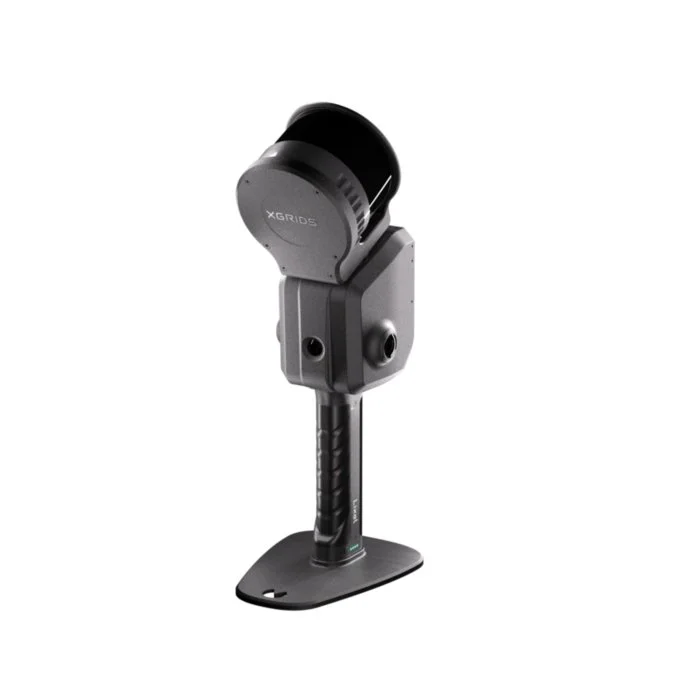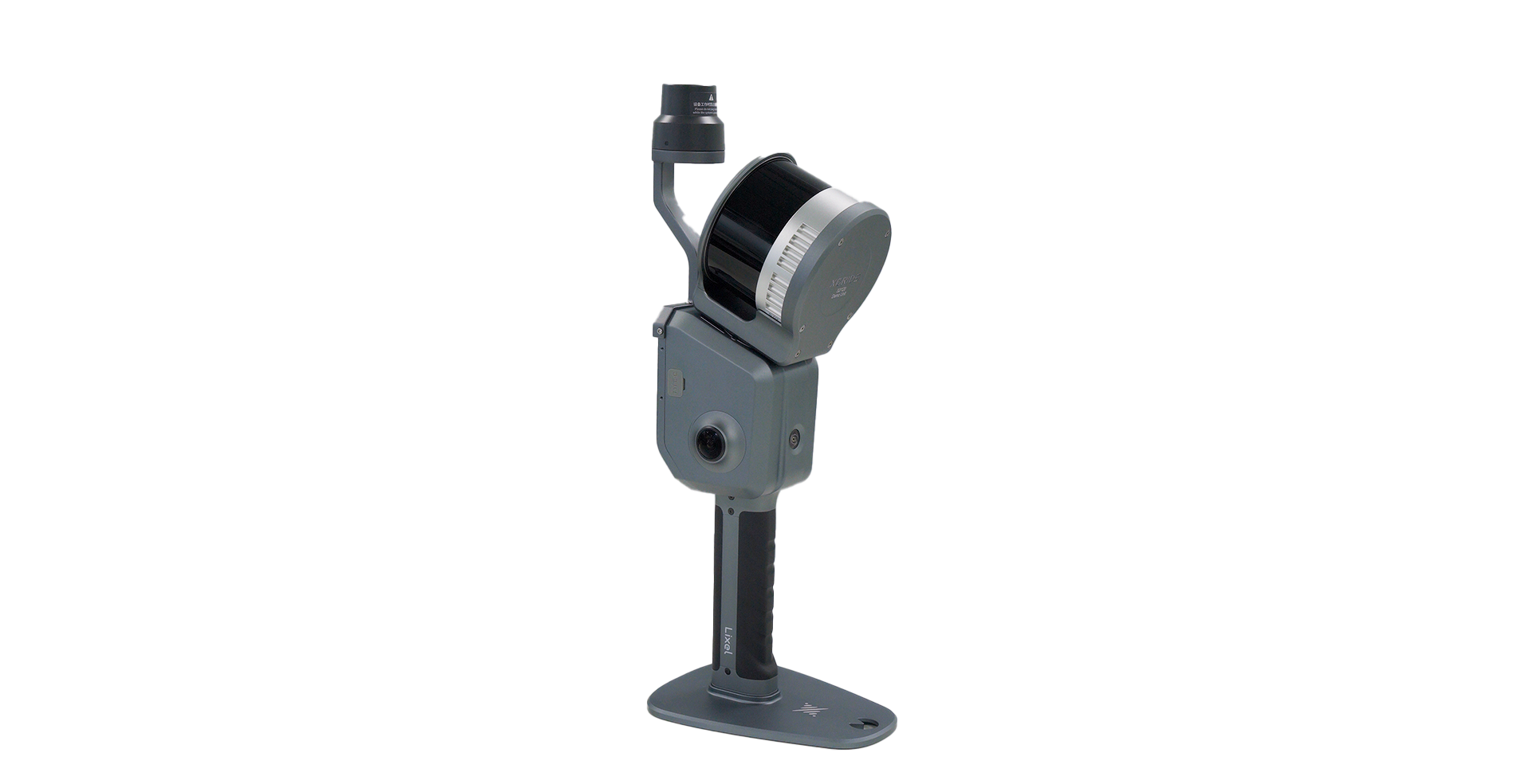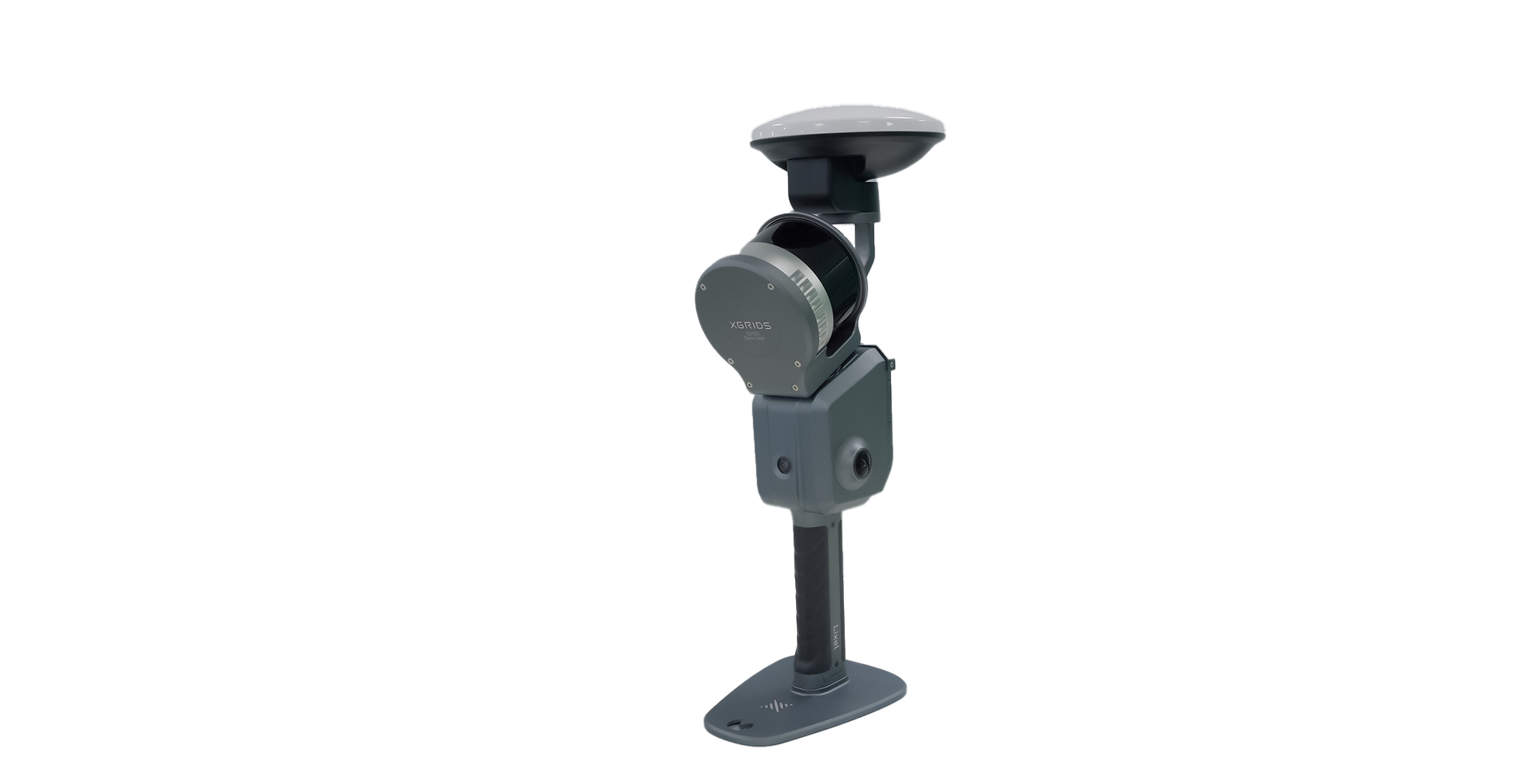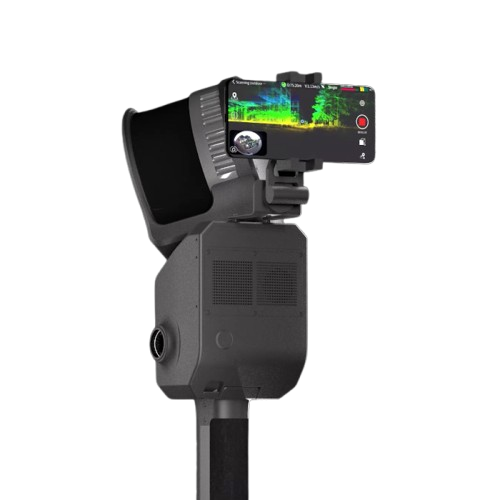
Lixel L2 Pro
A mobile LiDAR system built for georeferenced reality capture at scale. Walk it, drive it, or fly it. It produces the kind of data that engineers, surveyors, and BIM professionals actually use.
What the L2 Pro Is Built For
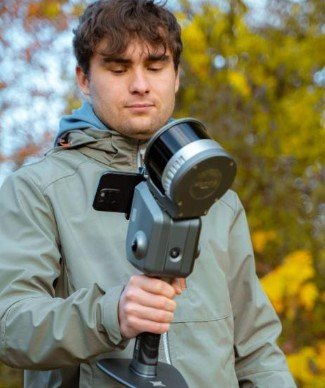
The L2 Pro is a measurement-driven mobile LiDAR system. You capture continuously while moving through a site. No staging, no tripods, no carefully managed scan positions. Walk, drive, or fly, and the scanner builds a dense, geometrically accurate 3D record of everything around it as you move.
That continuous-capture model changes how long site documentation takes. A space that requires a full day of static scan positions can often be captured in an hour. The relevant tradeoff is that the L2 Pro is designed for geometric accuracy and professional data workflows, not immersive visual walkthroughs. If you need both, LCC Studio (available separately) processes the same raw data into photorealistic Gaussian Splat models for client presentation.
Where It Performs Best
Large spaces, mixed interior and exterior environments, and projects where data must feed into professional tools downstream. Construction sites, infrastructure corridors, campus-scale buildings, and survey support work where a static scanner would require impractical numbers of setups.
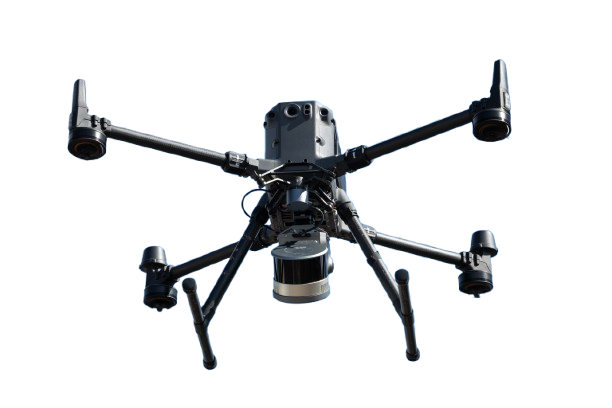
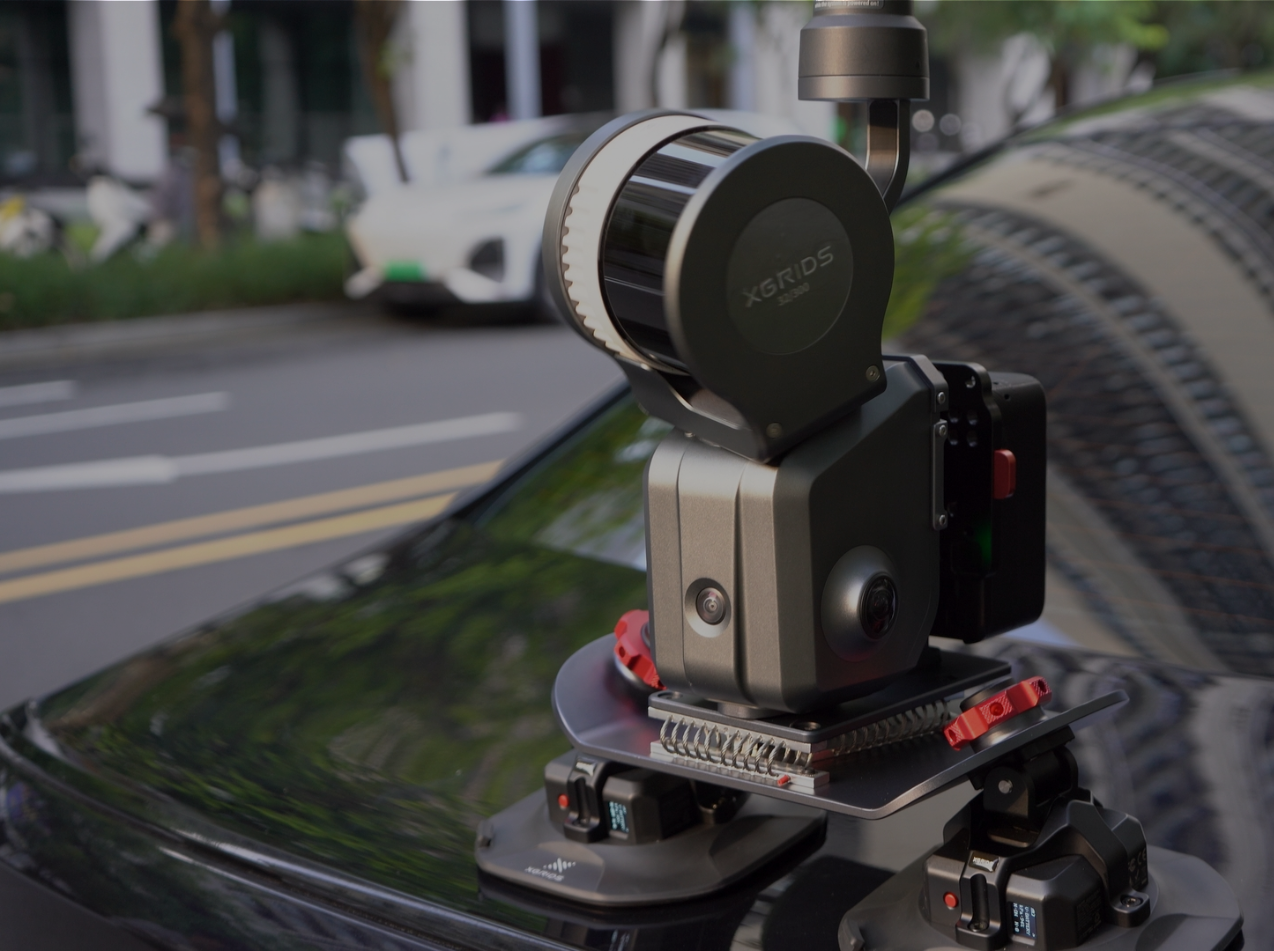
It handles complex outdoor geometry well, performs in vehicle-mounted configurations for corridor mapping, and can be mounted on compatible drone platforms for aerial capture with full RTK georeferencing. The 16-channel option is better suited to interior-dominant work; the 32-channel options are more versatile across the full range of professional environments.
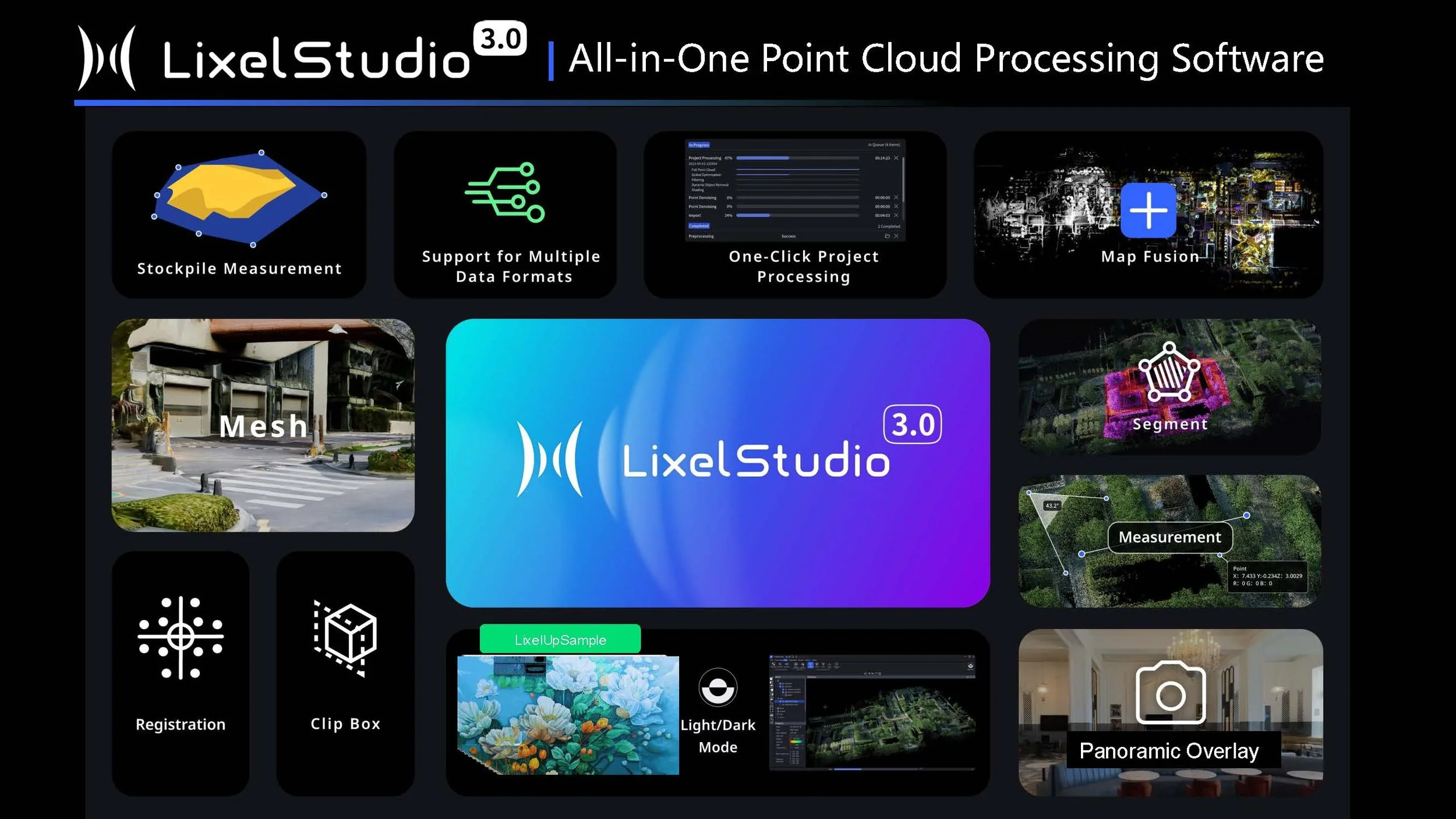
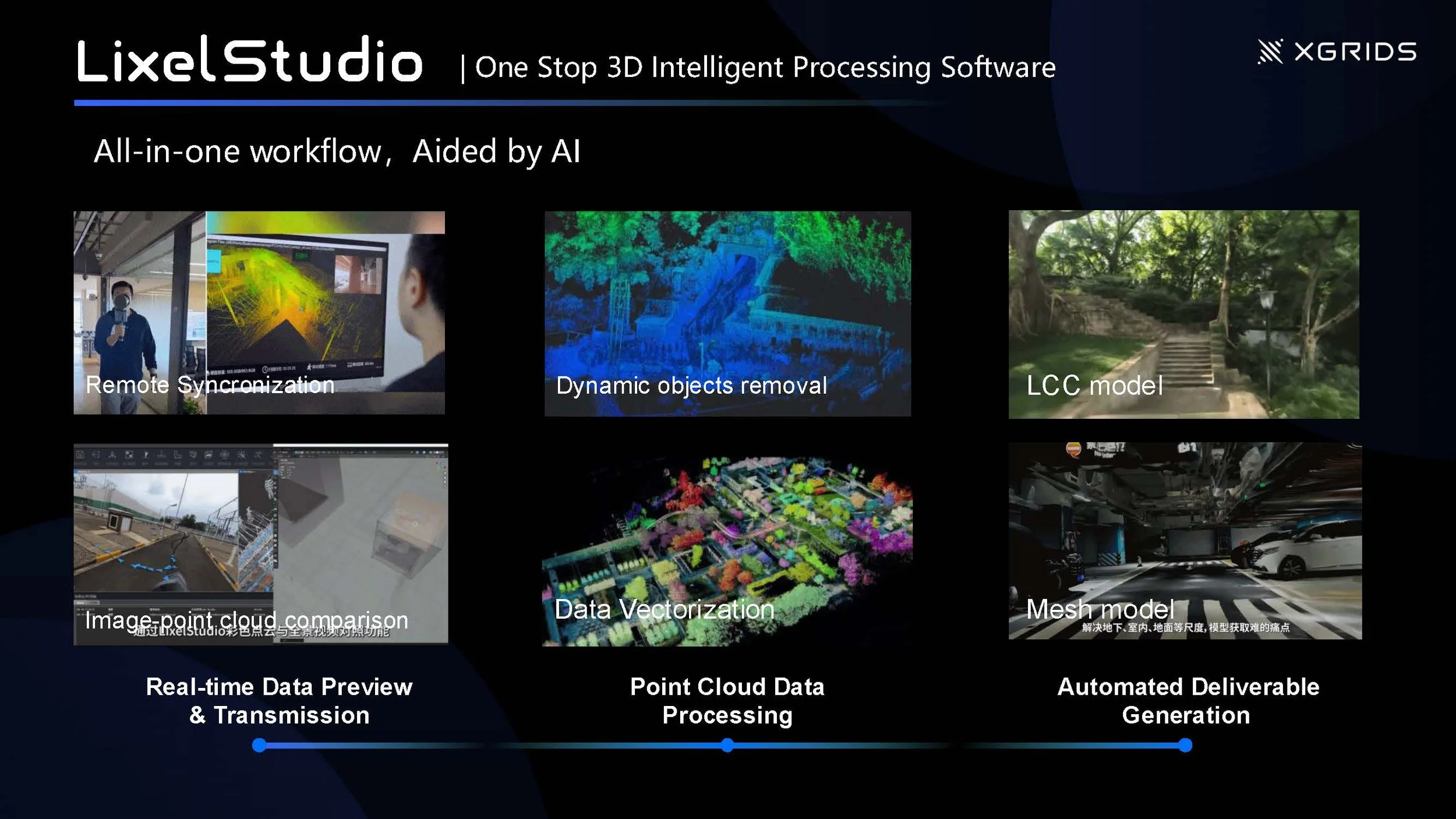
The L2 Pro works with both LixelStudio (point cloud processing, included free with purchase) and LCC Studio (Gaussian Splatting visualization, $2,500 per year as a separate subscription). Many professional workflows use both: LixelStudio for measurement-grade deliverables, LCC Studio for client-facing walkthroughs of the same project.
Understanding L2 Pro Accuracy
Scanner accuracy is described three ways in the spec sheet, and each one answers a different question. Which number matters most depends on your workflow.
Relative Accuracy: Internal Geometry
How precisely does the scan represent the actual dimensions of what was captured? The distance between walls, the height of a doorway, the diameter of a pipe. This is what matters for as-built documentation, floor plan generation, and structural measurement.
Absolute Accuracy: Position on Earth
How closely does the scan's location match real-world geographic coordinates? This is what matters when data must register against survey control, a GIS basemap, or a georeferenced design model. Without RTK the scan exists in its own local frame. With RTK it sits at a verified location in real-world space.
Repeat Accuracy: Session-to-Session Consistency
If you scan the same space on two different days, the datasets should align. This matters for progress monitoring, change detection, and any workflow where you return to a site over time.
For most AEC documentation and construction progress workflows, ±1 to 2 cm relative accuracy is more than sufficient. Absolute accuracy with RTK becomes important when data must register with existing survey control, when delivering to a surveyor who will work in a specified coordinate system, or when your contract specifies a positional tolerance. If you are unsure, the Full Package includes both RTK tiers, which avoids the question entirely.
LiDAR, Camera, and Field Performance
LiDAR
Camera System
Field Readiness
LixelStudio: Three Perpetual Licenses Included
Every L2 Pro package includes three perpetual licenses to LixelStudio, the professional LiDAR processing platform. Perpetual means you own the licenses with no subscription fees and no renewals. Install on up to three workstations to support team-based processing.
Raw L2 Pro data comes off the device in .hbc format. LixelStudio processes it through SLAM optimization, applies RTK and ground control data, merges multiple sessions, and exports to the formats your downstream tools require.
LixelStudio competes directly with SLAM processing software that costs $5,000 or more per year as a subscription. The three perpetual licenses included with the L2 Pro represent substantial standalone value. Teams doing regular reality capture for AEC clients recover this cost quickly relative to the ongoing subscription alternative.
RTK Options
RTK (Real-Time Kinematic) satellite positioning is what ties your scan to real-world coordinates. Without it, the scan has accurate internal geometry in its own local frame but no known position on Earth. With it, the entire scan is georeferenced and registers with survey control, coordinate system-referenced design files, and GIS workflows.
RTK modules are modular and can be purchased separately after the initial scanner purchase. If your current projects do not require georeferencing, you can start with a Standard or Premium package and add RTK when the need arises.
The Full Package includes both RTK modules. On open sites with clear sky, the Standard module performs identically and is lighter. On sites with partial canopy, adjacent buildings, or obstructed entries, the Survey-Grade module holds fix where the Standard module may not. Owning both lets you match the module to the site conditions rather than relying on one to cover everything.
Channel and Range Configurations
The L2 Pro is available in three configurations defined by LiDAR channel count and maximum range. Channels determine how many laser beams fire simultaneously. More channels means more points captured per second, which produces denser point clouds, cleaner surfaces, sharper edges, and better performance in outdoor ambient light and at higher walking speeds.
The 32/120 is the right choice for most AEC professionals. The 32/300 is worth the premium if your work regularly involves large open environments or vehicle-mounted mapping. The 16/120 is the lowest-cost entry and works well indoors, but the density difference relative to 32-channel is visible on complex outdoor geometry.
Package Options
All three configurations are available in each package tier. The package determines what hardware is included beyond the scanner itself. All packages include three perpetual LixelStudio licenses and a one-year warranty.
Standard Package
SLAM-only scanning at the lowest entry cost
The complete scanning system without RTK modules. Delivers accurate relative geometry for documentation, as-built, and progress monitoring workflows. RTK can be added later.
- L2 Pro scanner (your choice of configuration)
- 1 battery
- Phone mount, charger, GCP collection plate
- Protective cover, USB-C cable, cleaning cloth
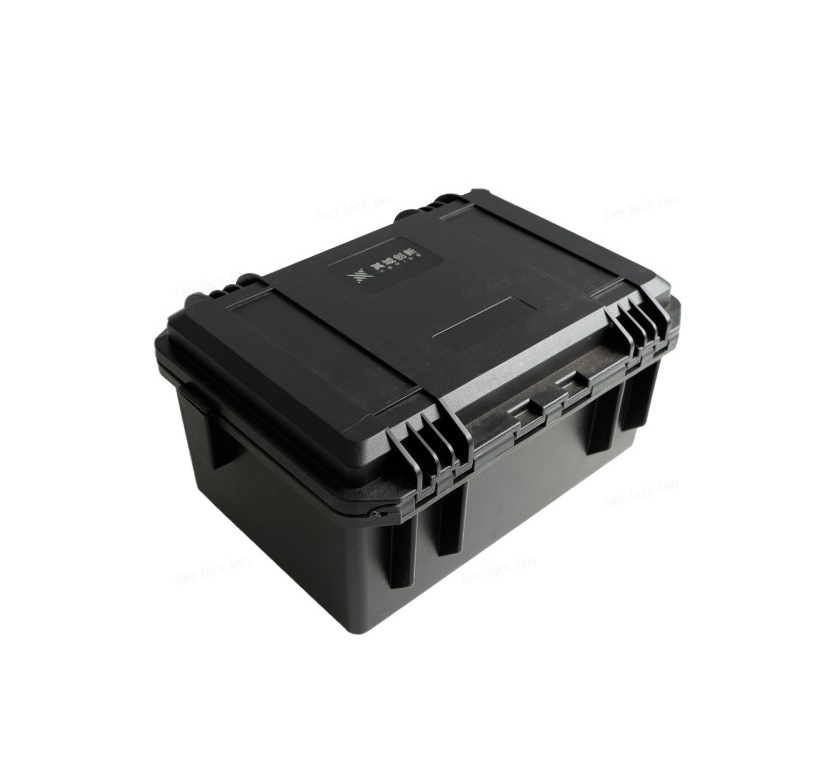
- Hard travel case
- 3 perpetual LixelStudio licenses
- 1-year warranty
RTK not included.
Premium Package Popular
Longer runtime; RTK can be added any time
Everything in Standard plus a second battery. Two batteries allow a full scanning day without returning to base for a recharge, which matters on larger sites and multi-building projects.
- Everything in Standard
- 2 batteries total
RTK not included, but both Standard and Survey-Grade RTK modules are available as add-ons.
Full Package
Maximum capability; both RTK tiers included
The maximum configuration. Both RTK modules are included so the system is equipped for any GNSS conditions from day one. Use the Standard module on open sites and the Survey-Grade module when sky visibility is marginal. No separate accessory purchases as project types and site conditions evolve.
- Everything in Premium
- Standard RTK module
- Survey-Grade RTK module
- 2 batteries
If you know RTK will be part of your workflow, the Full Package is generally better value than buying components separately. If you are exploring the L2 Pro before committing to a full positioning setup, the Premium Package lets you start scanning immediately with the option to add RTK when projects require it.
Available Accessories
Each accessory enables a specific workflow. None are required to start scanning, but several are worth considering at purchase time if your work includes vehicle mapping, aerial capture, or extended field days.
Standard RTK Kit
GNSS positioning for georeferenced output. Reliable fix acquisition in open sky conditions.
Survey-Grade RTK Kit
Same accuracy as Standard RTK with a stronger antenna. Holds Fixed status in tree canopy, near structures, and on obstructed sites where the Standard module is more likely to drop to Float.
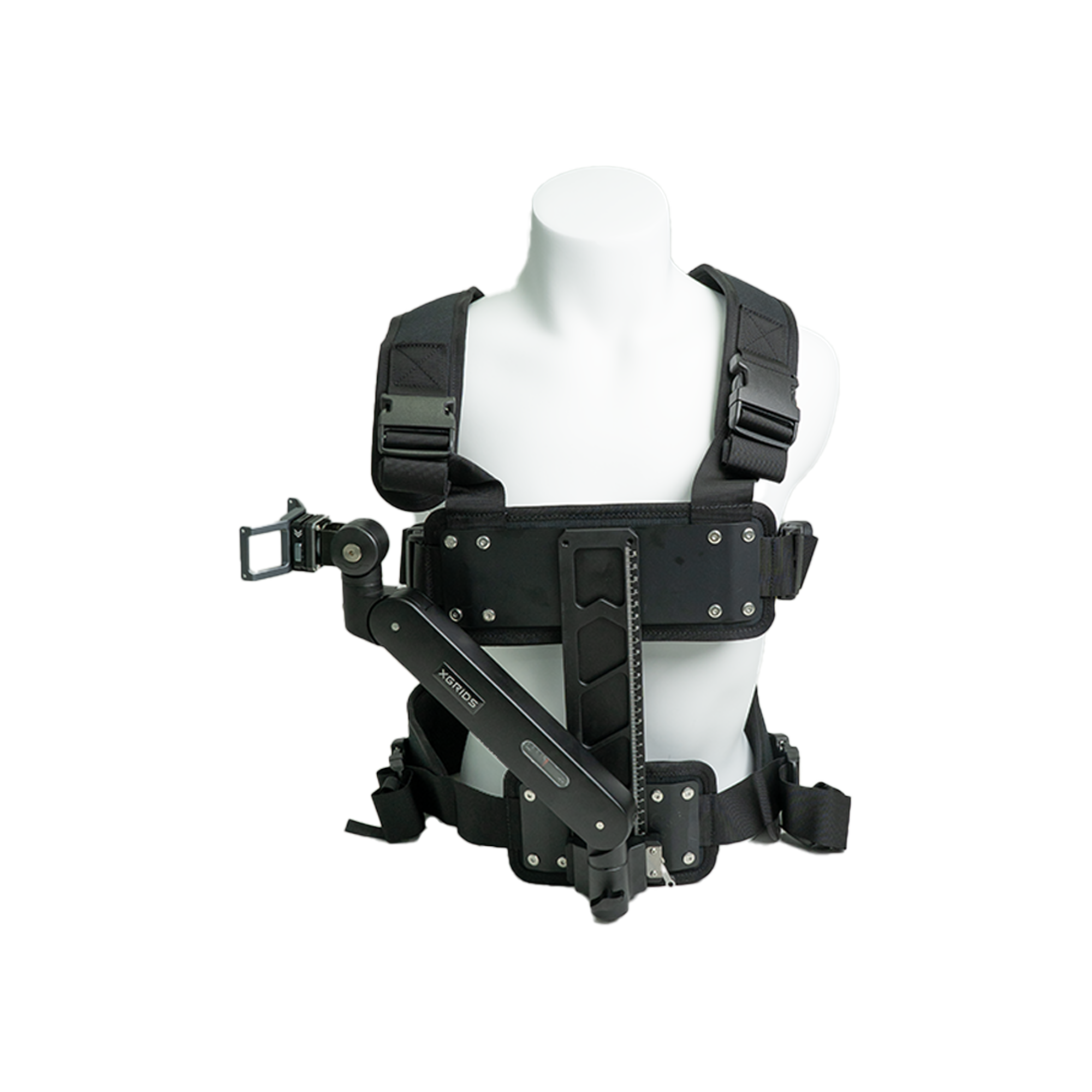
Harness Module
Backpack-style wearable mount. Hands-free capture; reduces arm fatigue on long sessions.
Additional Battery
Approximately 90 minutes of additional scanning endurance per battery. Hot-swap capable.
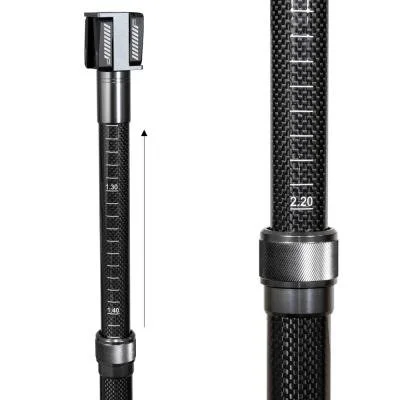
Extension Pole (2 m)
Overhead capture, bridge undersides, and elevated geometry that hand-height capture would miss.
Extension Pole (3 m)
Extended reach for high-ceiling industrial environments and taller spaces.
Drone Mounting Bracket
Aerial LiDAR on compatible drone platforms. Pairs with RTK for fully georeferenced aerial capture.
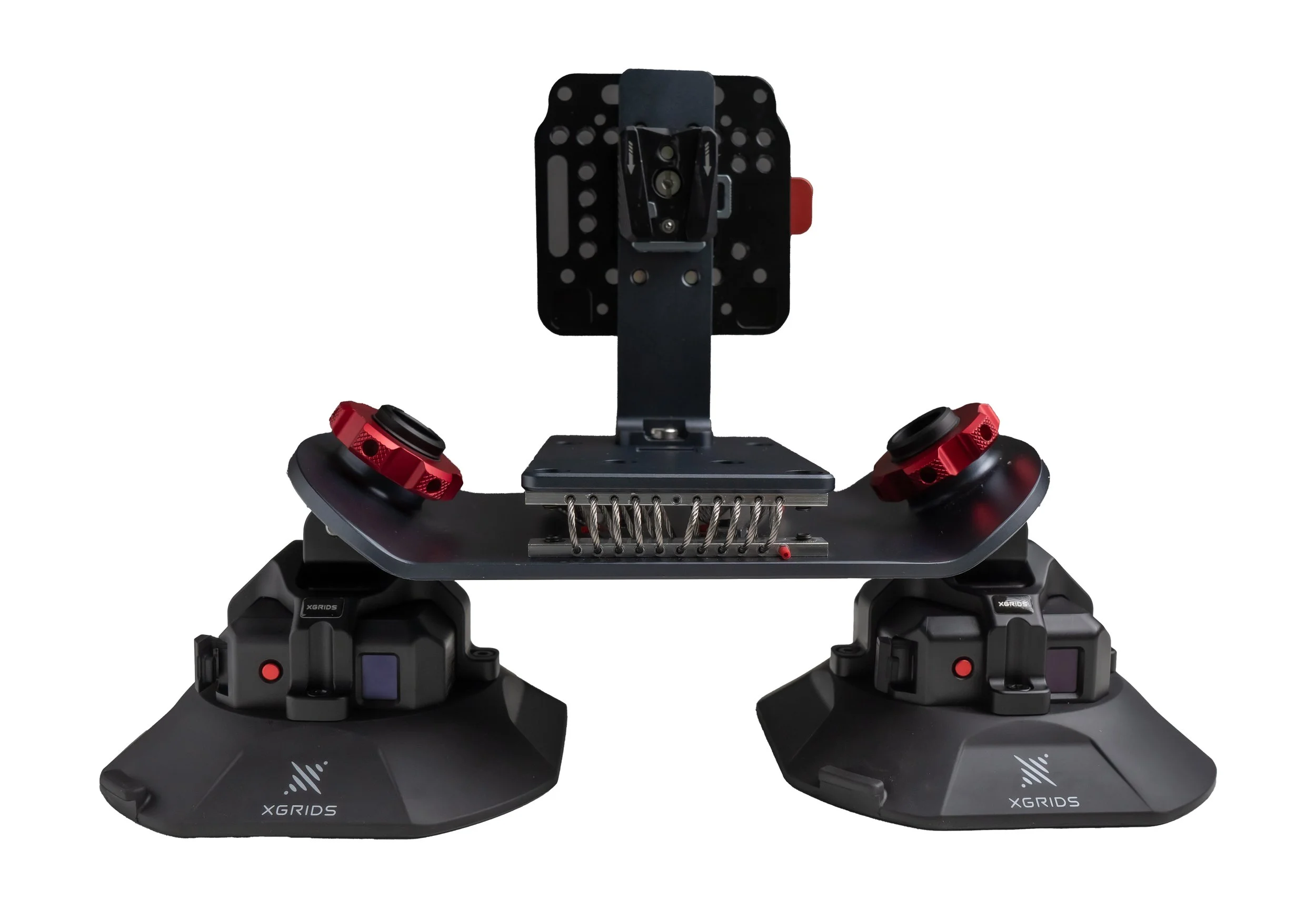
Vehicle Mounting Bracket
Attaches to a vehicle for mobile corridor and roadway mapping without walking the full route.