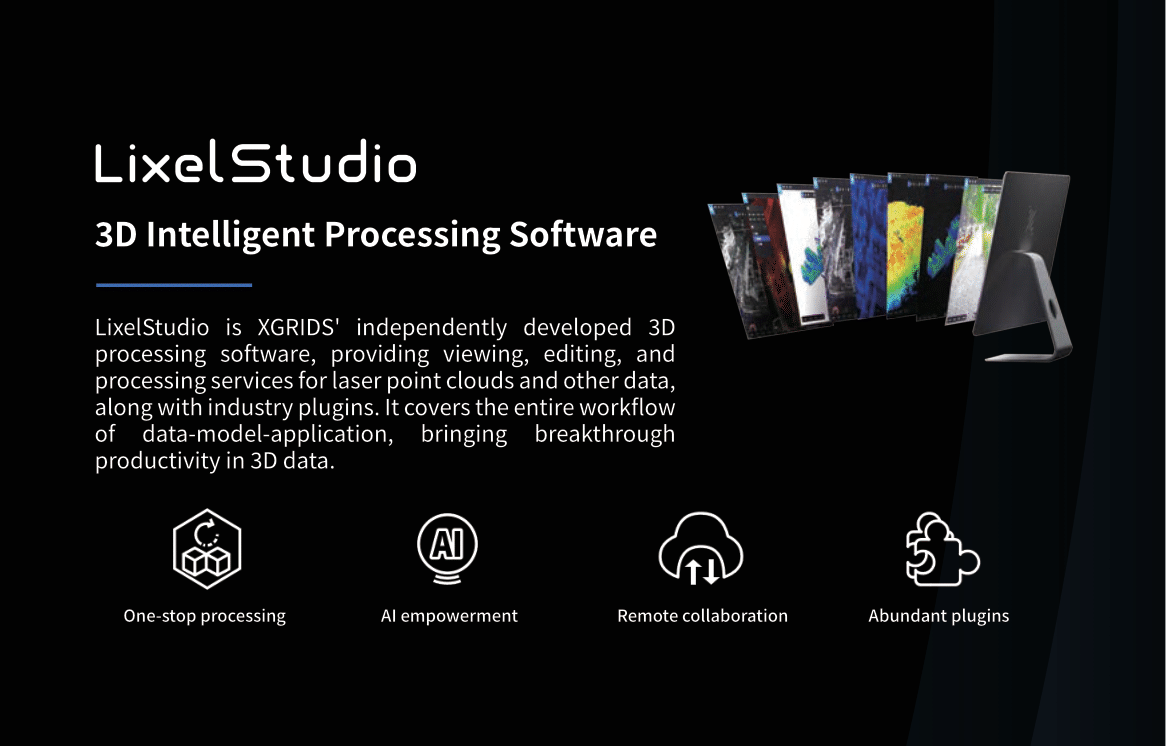
LixelStudio
The professional LiDAR processing platform for the Lixel K1 and L2 Pro. Included as three perpetual licenses with every scanner purchase. This is not a demo or a starter tier.
What LixelStudio Is Built For
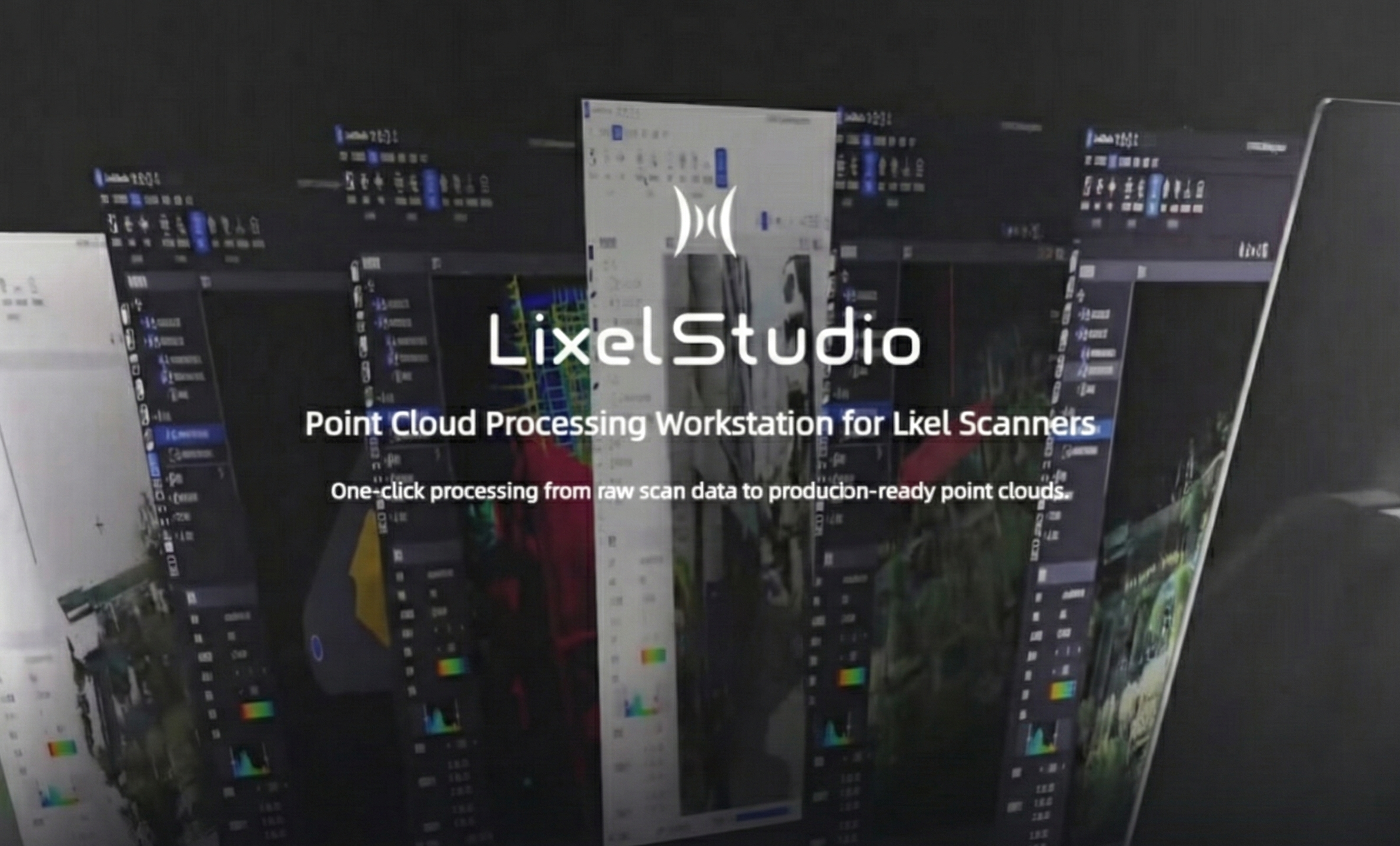
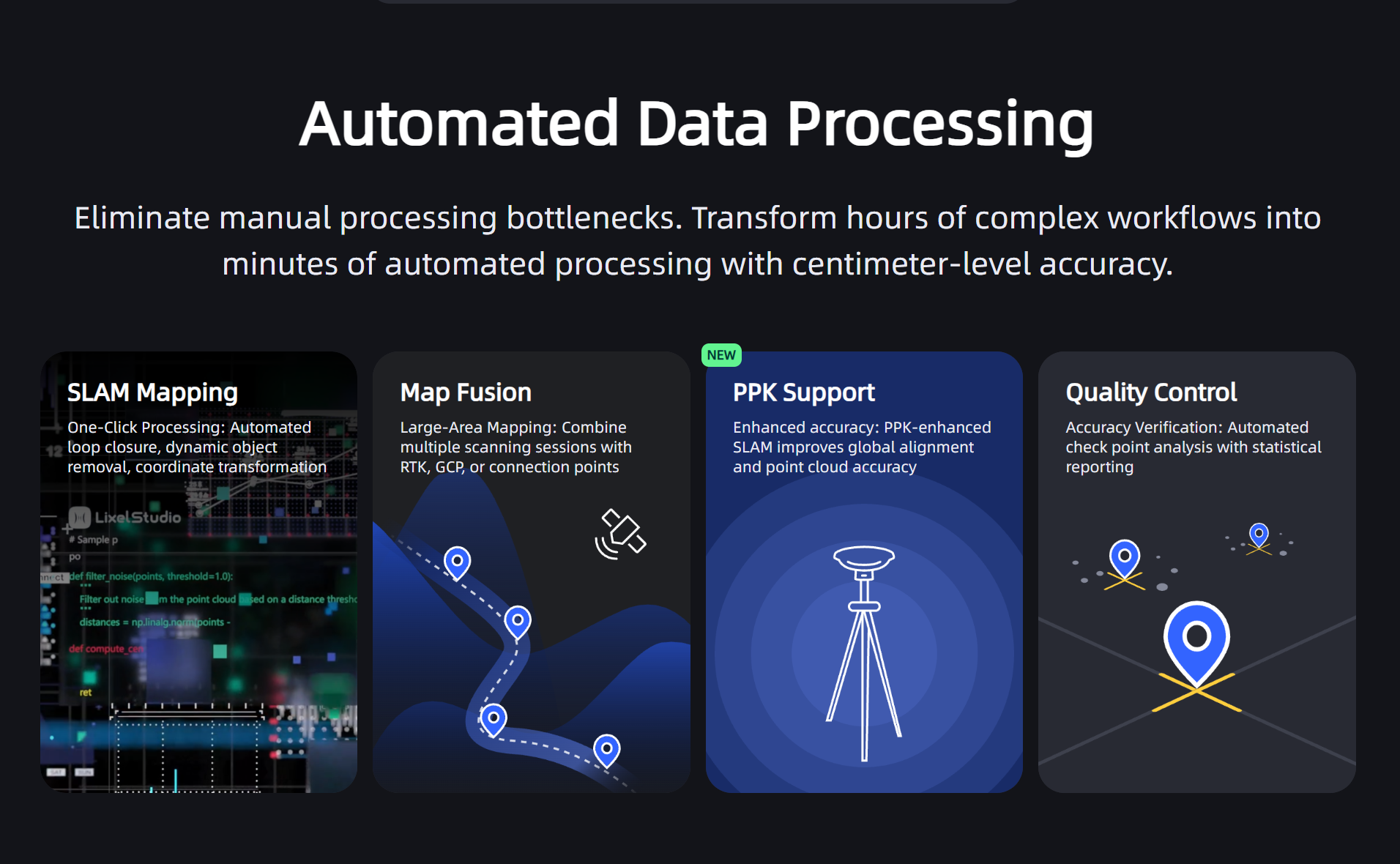
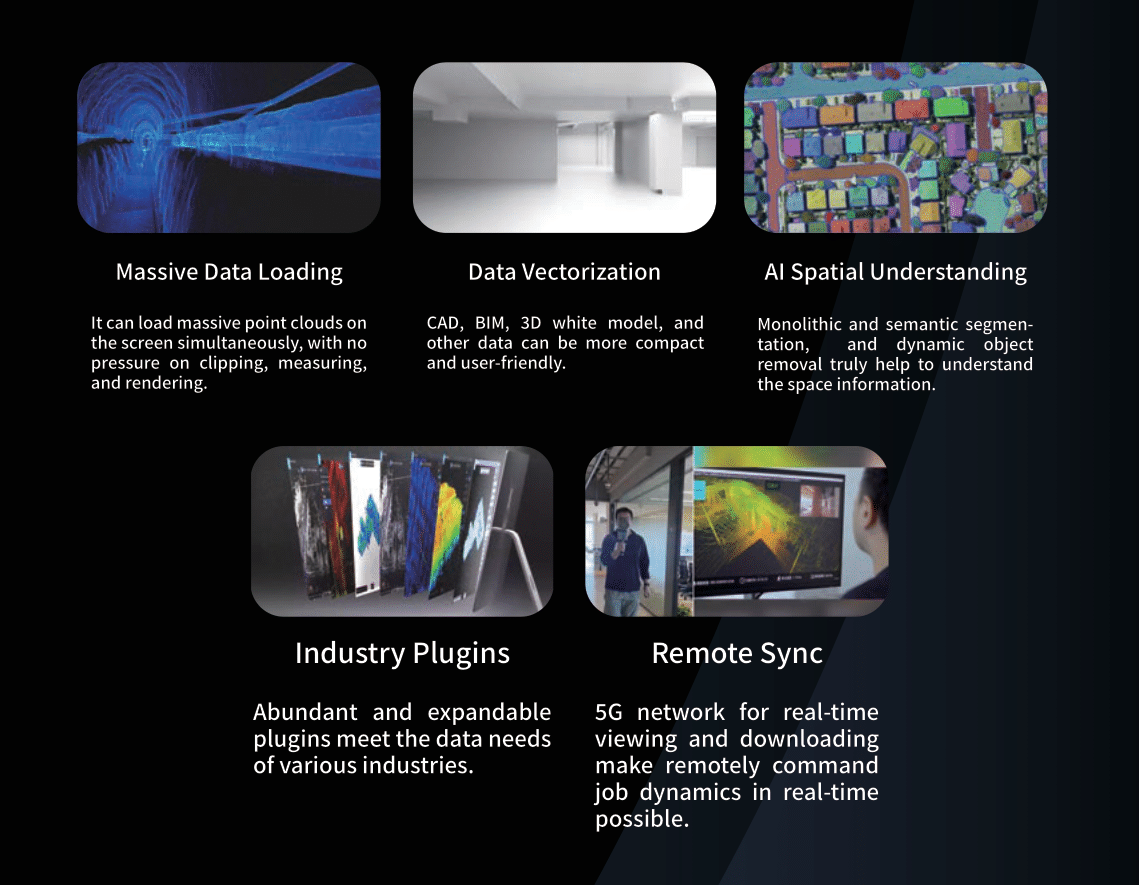
LixelStudio is the processing backbone for Lixel LiDAR scanners. It takes raw scanner data and turns it into accurate, clean, export-ready point clouds for CAD, BIM, and GIS workflows. It handles SLAM optimization, georeferencing, multi-scan assembly, noise reduction, and export to the formats professional tools require.
It is not a visualization tool. There is no 3D rendering, no immersive walkthrough, and no client-facing presentation output. Every design decision in LixelStudio is oriented around accuracy, control, and interoperability. If your work depends on correctness, not just appearance, this is where your data gets processed.
LixelStudio is included as three perpetual licenses with every L2 Pro and K1 purchase. You do not pay extra for it, and you do not pay ongoing fees to keep using it.
LixelStudio competes directly with SLAM processing software sold at $5,000 or more per year as a subscription. It processes the same data types, supports the same professional workflows, and integrates with the same downstream tools. The three perpetual licenses included with your scanner represent real, standalone software value, not a bundled lite version.
What LixelStudio Does
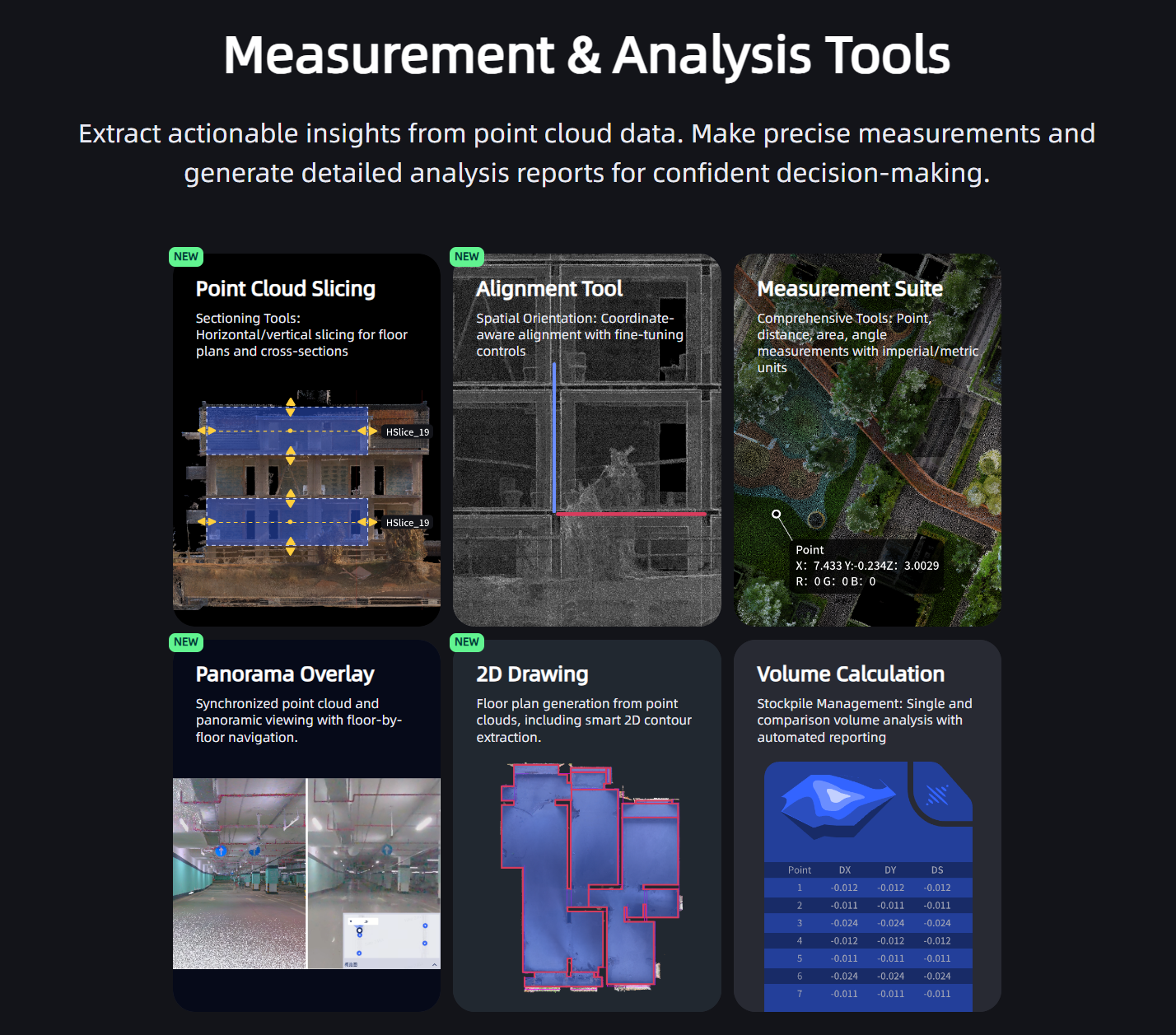
LixelStudio exposes the processing steps that matter for professional results rather than running everything through an opaque automated pipeline. Users who care about how their data is optimized, not just whether it outputs, will find this approach familiar.
What This Delivers in Practice
Fewer re-scans
Good processing reduces the frequency of returning to a site because of drift or misalignment in the data.
Consistent accuracy at scale
Multi-scan projects maintain accuracy across the entire dataset, not just in individual segments.
Clean deliverables
Downstream tools receive ready-to-use point clouds rather than raw data requiring significant manual cleanup.
Client confidence
Accurate, professionally processed data reduces disputes about scan quality and dimensional discrepancies.
LixelStudio vs. LCC Studio
LixelStudio and LCC Studio are separate tools that serve different purposes in a professional workflow. They are not competing alternatives to each other. Many teams use both.
LixelStudio
Accuracy, processing, and measurement-grade deliverables
- Processes raw LiDAR data into accurate point clouds
- SLAM trajectory optimization and drift correction
- RTK and GCP georeferencing
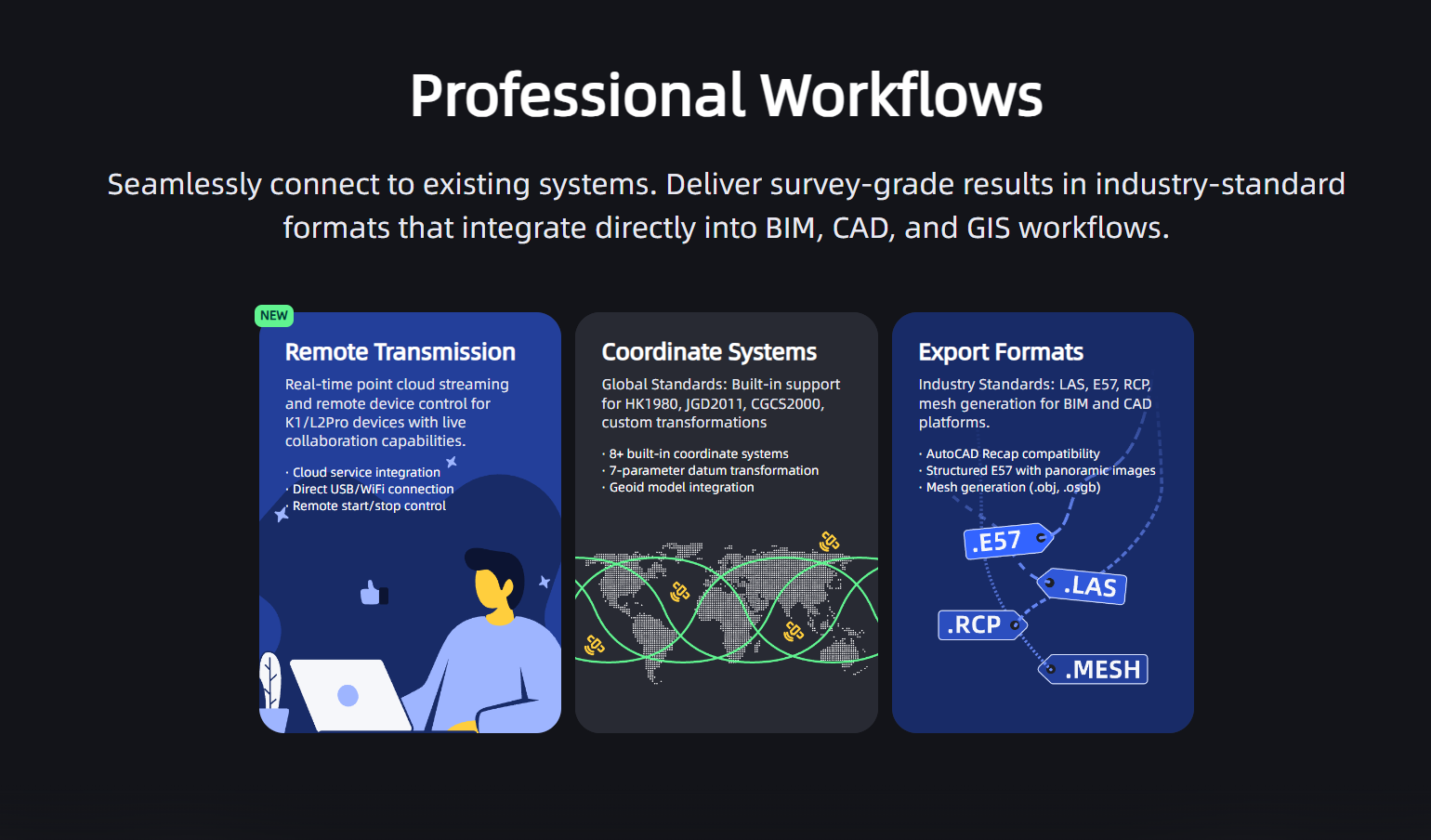
- Exports LAS, E57, RCP for CAD, BIM, and GIS
- Compatible with L2 Pro and K1 only
- Perpetual license included with scanner purchase
LCC Studio
Visualization, immersion, and client-facing deliverables
- Processes data into photorealistic Gaussian Splat models
- Immersive walkthroughs viewable in any browser
- Web publishing and link-based sharing
- Compatible with L2 Pro, K1, and PortalCam
- Available as Basic or Premium subscription
- Optional Revit plugin for AI-assisted BIM extraction
The same raw scan data from an L2 Pro or K1 can be processed through both tools. LixelStudio produces the point cloud deliverable for the engineer or surveyor. LCC Studio produces the walkthrough model for the owner or project stakeholder. Running both from one capture session eliminates the need for a separate visualization scan and gives you two distinct deliverable types from a single site visit.
What Perpetual Licensing Actually Means
When you buy a Lixel K1 or L2 Pro, three LixelStudio licenses are included at no extra cost. Perpetual means you own the licenses outright. No annual renewal, no subscription billing, no risk of losing access to your processing pipeline because you missed a payment or decided a renewal was not worth the fee that year.
You can install on up to three workstations simultaneously. For a small firm with a dedicated processing machine and two additional laptops, the entire team processes without a per-seat cost. For larger teams, the three-seat allocation covers most standard office configurations for a single-scanner team.
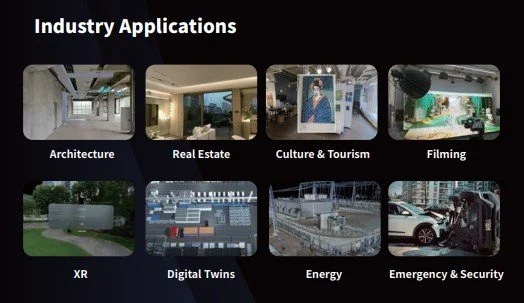
AEC firms doing regular reality capture for construction documentation, as-built surveys, or BIM coordination recover the value of three perpetual LixelStudio licenses in a matter of months relative to the ongoing subscription cost of competing SLAM software. The license is not a selling point on a spec sheet; it is a material cost difference over the working life of the scanner.
LixelStudio with Each Scanner
L2 Pro and LixelStudio
LixelStudio is the primary processing environment for L2 Pro data. L2 Pro datasets are larger, denser, and more varied than K1 datasets, spanning outdoor environments, complex mixed conditions, vehicle-mounted captures, and drone aerial workflows. LixelStudio handles all of these through the same pipeline, with RTK integration, multi-scan fusion, and the full range of optimization controls available for each dataset type.
K1 and LixelStudio
For K1 data, LixelStudio provides fast, reliable processing with simpler workflows appropriate to the K1's predominantly interior use cases. K1 datasets are smaller and more uniform than L2 Pro data, which means processing times are shorter and workflow complexity is lower. For teams doing quick turnaround interior documentation, same-day delivery from field scan to processed point cloud is practical.
If you own both a K1 and an L2 Pro, each scanner includes its own three LixelStudio licenses. You can use all six licenses across your team's workstations, which provides additional coverage as your processing team grows.
What Your Processing Workstation Needs
LixelStudio is a Windows desktop application. It runs on standard professional workstation hardware. The processing demands are manageable compared to 3D rendering or Gaussian Splatting workflows; a capable business workstation handles typical AEC projects without specialized GPU requirements.
Unlike LCC Studio, LixelStudio does not have a hard requirement for NVIDIA GPU or specific VRAM minimums. This matters if your team uses workstations with AMD graphics or older hardware. Contact us if you want to confirm that a specific workstation configuration is appropriate for your typical project scale before purchase.